Chrome extension
Save links, images, and text to Luckynote directly from Chrome.
Install on ChromeThe desktop app failed while opening the authenticated workspace.
Use View > Open Developer Tools in the app menu, then check the Console.
No error details captured yet.

Download
Install the browser extension to capture links, images, and snippets straight into Luckynote without breaking your flow.
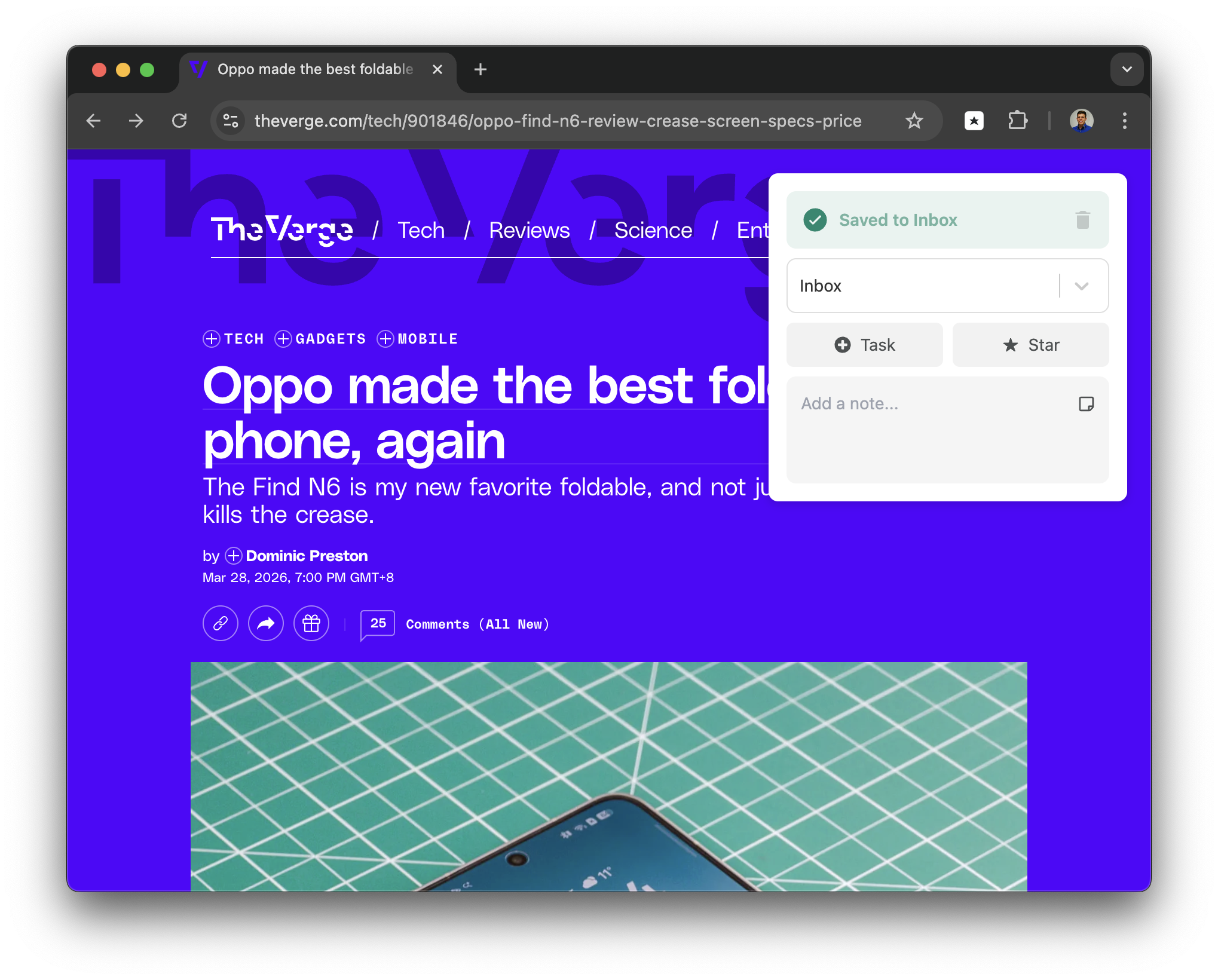
Save links, images, and text to Luckynote directly from Chrome.
Install on ChromeCapture what matters from the web without breaking your flow.
Install on FirefoxCapture pages you want to revisit before they disappear into tab chaos.
Keep visual references and useful fragments beside the notes they belong with.
Everything lands in Luckynote where it can be searched, starred, and organized later.
No. The extension is for faster capture from the web, but Luckynote works without it too.
This page ships with Chrome and Firefox download options.
Keep the fast capture habit, but give yourself a better place to return to later.